
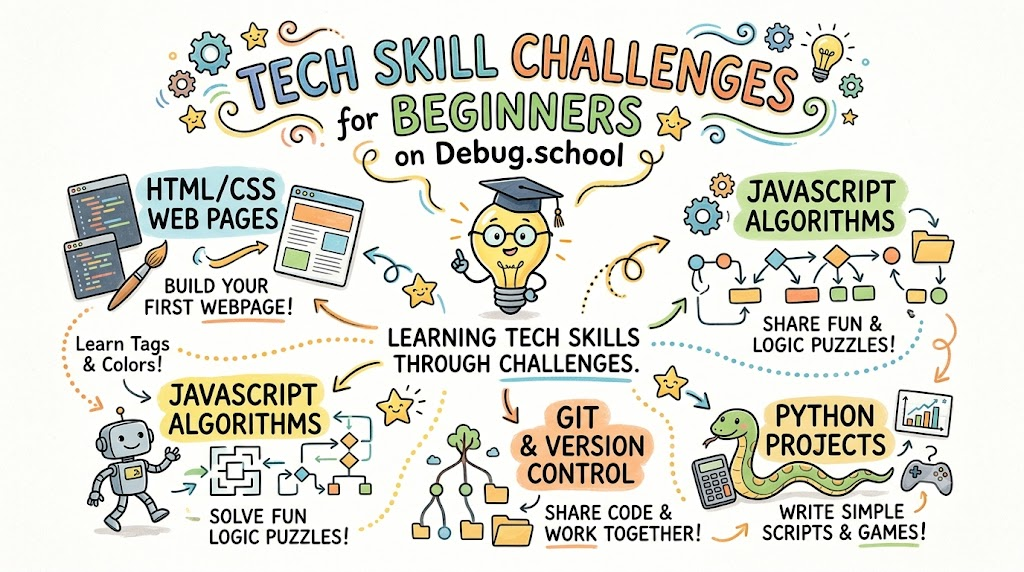
Learning computer skills can feel very scary at first. Many people believe that coding requires genius math tricks.
In reality, tech skills are just like solving simple puzzles. Anyone can learn them with small, steady steps.
You can build real confidence quickly on debug.school. This friendly platform gives you fun mini-tasks that make technical practice feel like a game.
What Are Tech Challenges?
A tech challenge is a tiny computer puzzle. It asks you to fix or build one specific thing.
Instead of reading a thick book, you solve a real problem. You read a clue, write an answer, and test it right away.
This method keeps learning fast and exciting. You see your own progress after every single puzzle you finish.
Why Beginners Love Small Tasks
Long lectures often make students feel sleepy and confused. Huge projects also feel too heavy to start.
- Fast wins: You finish each task in five to ten minutes.
- No setup stress: You practice directly inside your web browser.
- Instant checks: The system shows you errors right when they happen.
Because each task is short, you never feel overwhelmed. You simply take one easy step at a time.
Challenge 1: The Broken Web Link
Every website uses code to show words, pictures, and buttons. Sometimes, a tiny mistake breaks an entire web page.
In this first challenge, you look at a simple page with a broken button. Your job is to spot the missing letter in the link.
[Broken Link Code] ──► [Find Missing Letter] ──► [Working Button!]
Once you fix the typo, the button turns bright green. You instantly see how websites connect pages together.
Challenge 2: The Robot Maze Run
Robots only do what humans tell them to do. If you give bad directions, the robot gets lost.
In this fun task, you guide a tiny robot through a maze. You type simple commands like "move forward" or "turn right."
Next, you click run to test your path. If the robot hits a wall, you fix your list of steps and try again.
- First, count how many steps the robot needs to walk.
- Next, pick the right spot to turn left or right.
- Finally, run the script to watch the robot reach the goal.
Challenge 3: The Secret Word Cipher
Computers protect passwords by turning plain words into secret code numbers. This process keeps private accounts safe from bad actors.
This challenge lets you act like a secret agent. You write a tiny rule that shifts letters forward by two spots.
So, the letter A becomes C, and B becomes D. You watch plain words turn into secret spy messages on your screen.
Challenge 4: Hunt the Hidden Bug
A software bug is just an accidental mistake in computer instructions. Even top pros write bugs every single day.
This beginner task shows you five lines of working code. However, one sneaky line has a misplaced comma.
You read the lines, find the bad comma, and delete it. Fixing bugs teaches you to notice small details with sharp eyes.
How Hands-on Practice Helps Your Brain
Your brain learns best when your fingers actually do the work. Watching videos teaches theory, but typing code builds true skill.
When you solve a puzzle on your own, your brain remembers the lesson. You stop guessing and start understanding why things work.
Also, making mistakes in a safe sandbox removes all fear. Every wrong answer simply shows you what to try next.
Beginner Track vs Old-School Lessons
Old-school classes make you memorize boring words before you ever touch a keyboard. Modern interactive tasks flip that order completely.
| Feature | Old-School Classes | Debug.school Tasks |
|---|---|---|
| Learning Style | Read heavy textbooks | Solve interactive puzzles |
| Feedback Speed | Wait days for grades | Get instant results on screen |
| Time Needed | Hours of long theory | 10-minute quick bites |
| Fun Factor | Low and stressful | High and rewarding |
Three Tips for Your First Day
Starting your journey is simple if you follow these easy rules:
- Pick one task: Do not try to solve ten puzzles in one sitting.
- Read the hints: If you get stuck, click the hint button for a helpful clue.
- Celebrate small wins: Feel proud every time you see a green checkmark.
Consistent daily practice matters much more than spending hours all at once. Even ten minutes a day turns you into a capable builder.
Frequently Asked Questions
Do I need to install anything on my computer?
No, you do not need to install files or set up complex tools. Everything runs smoothly right inside your web browser.
What happens if I cannot solve a puzzle?
Every puzzle includes gentle hints to guide your next step. You can also view the solution to learn the pattern and try again.
Can kids and total beginners do these challenges?
Yes, these starter tracks use simple words and clear steps. Anyone who can browse the web can solve these fun exercises.
Jump Into Your First Challenge
Tech skills give you the power to create games, websites, and useful apps. You do not need special talents to start building today.
Debug.school makes learning simple, friendly, and exciting for everyone. You get clear instructions, quick feedback, and fun interactive tasks.
Open your browser, pick your first beginner challenge, and enjoy the fun of solving puzzles.



Top comments (0)