
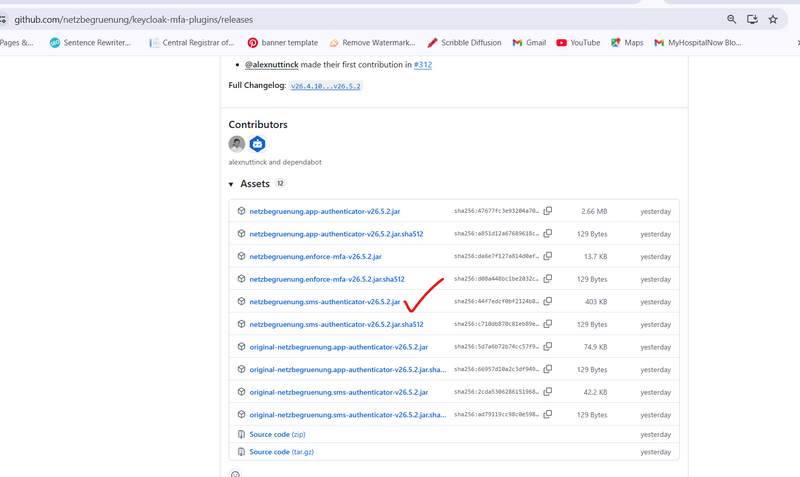
Step1:Direct download link (ready-made JAR)
This is a known working SMS OTP plugin with HTTP delivery capability:
🔗 keycloak-sms-authenticator (compiled JAR)
https://github.com/netzbegruenung/keycloak-mfa-plugins
https://github.com/netzbegruenung/keycloak-mfa-plugins/releases
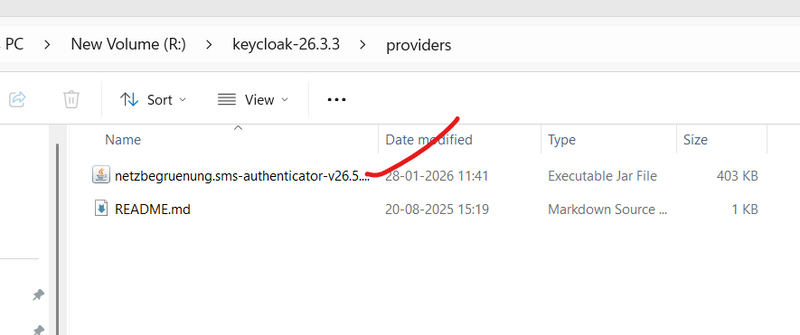
Step2: move jar folder inside provider
Step3:Build Keycloak (REQUIRED)
Open Command Prompt and run:
R:
cd R:\keycloak-26.3.3
bin\kc.bat build
STEP 4: Start Keycloak
bin\kc.bat start-dev
STEP 5: Confirm in Admin UI
Open:
http://localhost:8080/admin
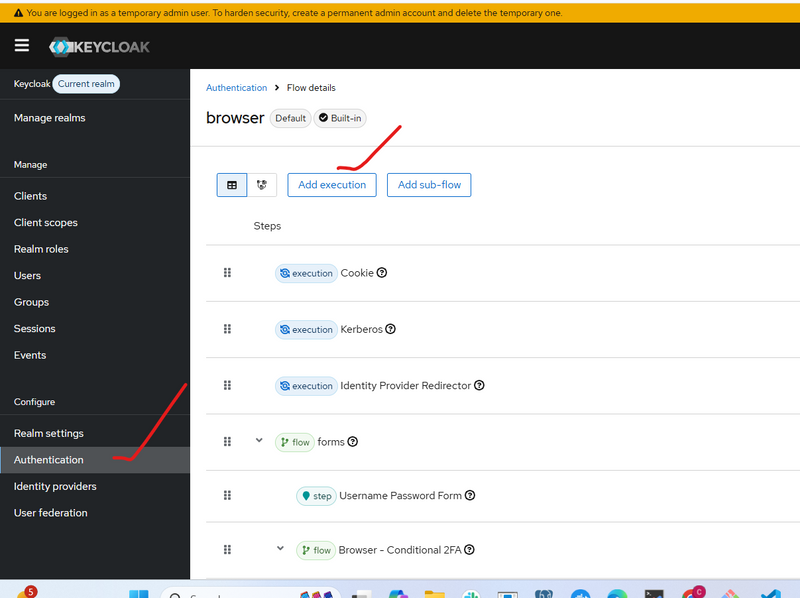
Go to:
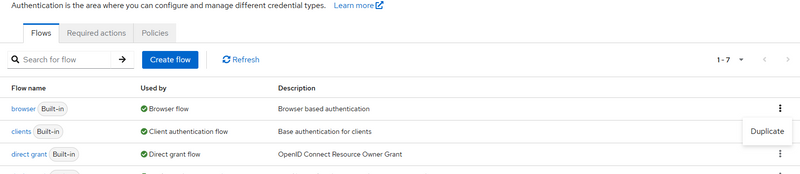
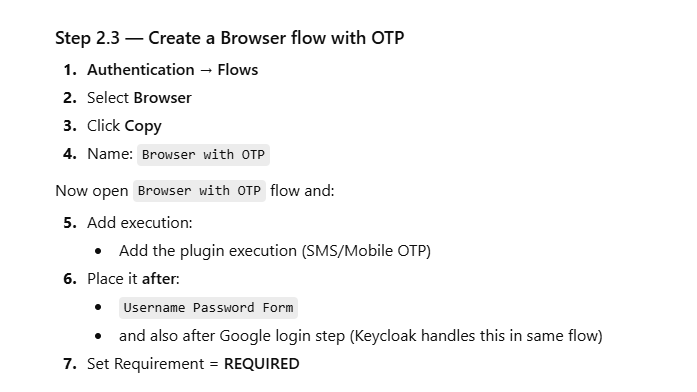
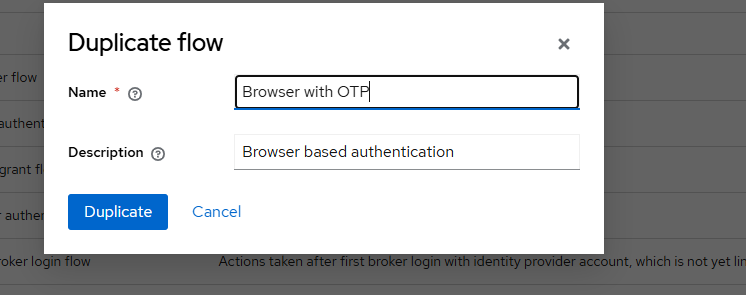
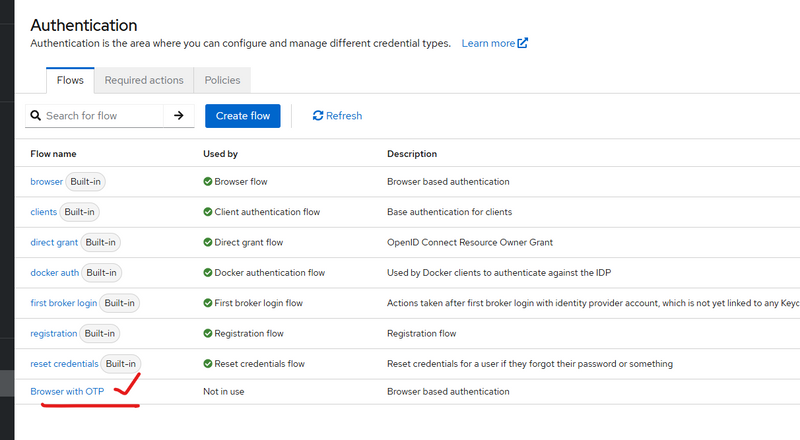
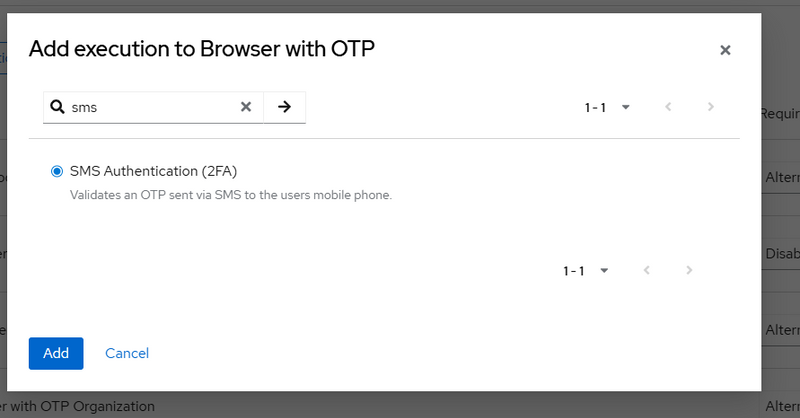
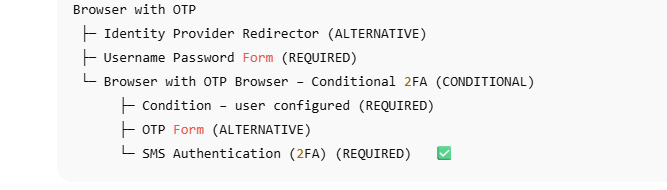
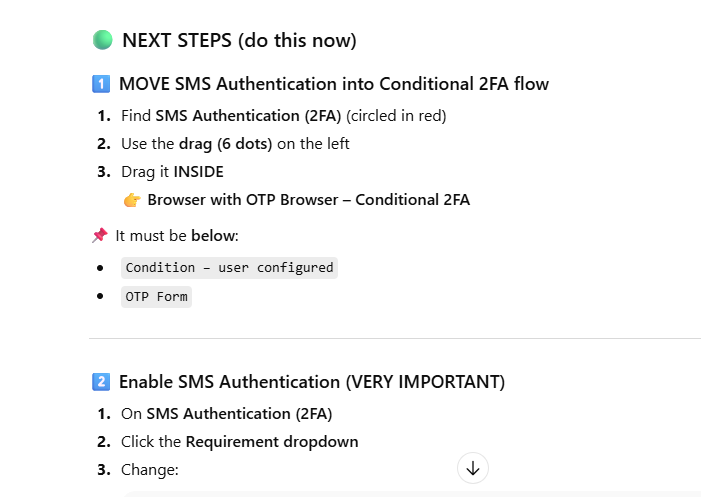
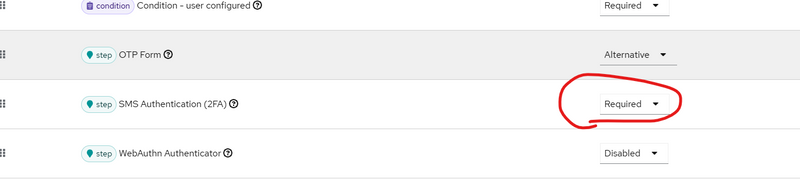
Authentication → Flows → Browser → Add execution
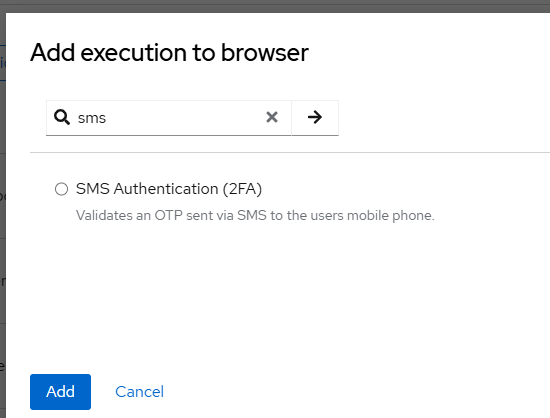
You should now see:
SMS Authenticator

SMS OTP Authenticator



Top comments (0)