
An AI-generated video can look perfectly fine in a preview window and still fail a delivery requirement.
The file might be three seconds too short. A vertical clip might have been exported in landscape orientation. Or an advertisement that requires sound might contain no audio track at all.
Finding these problems manually is manageable when you're reviewing two files. It becomes tedious when a team produces dozens of video variations.
These are predictable technical errors, which makes them good candidates for automation.
In this tutorial, we'll build a small Python validator using FFprobe. It will inspect local video files, check delivery requirements, and return a failure status when something needs attention.
No AI generation API is required.
1. Define the Delivery Requirements
Before writing the validator, establish a simple acceptance profile.
For this example, we'll use:
| Property | Requirement |
|---|---|
| Duration | 5–15 seconds |
| Landscape resolution | At least 1280 × 720 |
| Portrait resolution | At least 720 × 1280 |
| File extension | .mp4 |
| Container | MP4/MOV family, preliminary check |
| Video stream | Required |
| Audio stream | Optional or required by flag |
These are example project requirements, not universal social media specifications.
The validator will check the first video stream. It won't automatically determine whether a clip is visually correct or ready for publication.
2. Install FFprobe
FFprobe is included with FFmpeg and provides structured information about media files.
After installing FFmpeg, check that FFprobe is accessible:
ffprobe -version
To inspect a file manually:
ffprobe -v error \
  -show_entries format=duration,format_name,format_long_name:stream=codec_type,width,height \
  -of json sample.mp4
The output contains metadata describing the container, media streams, dimensions, and duration.
One important detail: FFprobe may group related container formats under names such as mov,mp4,m4a,3gp,3g2,mj2.
That family name does not, by itself, prove that every file belongs to the exact MP4 subtype expected by a strict delivery system.
For this tutorial, we'll use it as a preliminary compatibility check. Production workflows with strict container requirements should inspect additional metadata.
3. Build the Python Validator
Create a file named check_video.py.
The script uses Python 3.9 or later and the FFprobe executable installed on your system.
import argparse
import json
import subprocess
import sys
from pathlib import Path

PROFILES = {
    "landscape": (1280, 720),
    "portrait": (720, 1280),
}


def validate(path: Path, orientation: str, require_audio: bool) -> list[str]:
    errors = []

    if not path.is_file():
        return ["File not found"]

    if path.suffix.lower() != ".mp4":
        errors.append("Expected .mp4 extension")

    try:
        result = subprocess.run(
            [
                "ffprobe",
                "-v", "error",
                "-show_entries",
                "format=duration,format_name,format_long_name:"
                "stream=codec_type,width,height",
                "-of", "json",
                str(path),
            ],
            capture_output=True,
            text=True,
            check=True,
            timeout=30,
        )

        data = json.loads(result.stdout)

    except (
        OSError,
        subprocess.CalledProcessError,
        subprocess.TimeoutExpired,
        ValueError,
    ) as exc:
        return errors + [f"Probe failed: {exc}"]

    fmt = data.get("format", {})
    fmt_long = fmt.get("format_long_name", "")

    # Preliminary container-family check, not strict MP4 identification.
    if "QuickTime / MOV" not in fmt_long and "MP4" not in fmt_long:
        errors.append("Unexpected container family")

    try:
        duration = float(fmt["duration"])

        if not 5 <= duration <= 15:
            errors.append(
                f"Duration outside 5-15s: {duration:.2f}s"
            )

    except (KeyError, ValueError, TypeError):
        errors.append("Duration unavailable")

    streams = data.get("streams", [])

    videos = [
        s for s in streams
        if s.get("codec_type") == "video"
    ]

    audio = [
        s for s in streams
        if s.get("codec_type") == "audio"
    ]

    if not videos:
        errors.append("Missing video stream")

    else:
        width = videos[0].get("width") or 0
        height = videos[0].get("height") or 0

        min_width, min_height = PROFILES[orientation]

        if width < min_width or height < min_height:
            errors.append(
                f"{orientation} resolution too low: "
                f"{width}x{height}"
            )

    if require_audio and not audio:
        errors.append("Missing required audio stream")

    return errors


def main() -> int:
    parser = argparse.ArgumentParser()

    parser.add_argument(
        "paths",
        nargs="+",
        type=Path,
    )

    parser.add_argument(
        "--orientation",
        choices=PROFILES,
        default="landscape",
    )

    parser.add_argument(
        "--require-audio",
        action="store_true",
    )

    args = parser.parse_args()
    failed = False

    for path in args.paths:
        issues = validate(
            path,
            args.orientation,
            args.require_audio,
        )

        print(
            f'{"FAIL" if issues else "PASS"} {path}'
        )

        for issue in issues:
            print(f"  - {issue}")

        failed |= bool(issues)

    return 1 if failed else 0


if __name__ == "__main__":
    sys.exit(main())
The validator checks the selected orientation instead of assuming every video is landscape.
For example, a 1080 × 1920 vertical video can pass the portrait profile, while a 640 × 360 clip will fail the landscape profile.
The script deliberately checks stream presence rather than attempting to decode or evaluate every frame.
4. Test the Validator
A validation script should be tested with files that are expected to pass and fail.
FFmpeg can generate synthetic video files for this purpose.
Test A: Valid landscape video
Generate an eight-second 1280 × 720 MP4:
ffmpeg -hide_banner -loglevel error \
  -f lavfi \
  -i testsrc2=size=1280x720:rate=24 \
  -t 8 \
  -c:v mpeg4 \
  valid.mp4
Then run:
python check_video.py valid.mp4
Expected result:
PASS valid.mp4
Test B: Valid portrait video
Generate a portrait clip:
ffmpeg -hide_banner -loglevel error \
  -f lavfi \
  -i testsrc2=size=720x1280:rate=24 \
  -t 8 \
  -c:v mpeg4 \
  portrait.mp4
Check it with the portrait profile:
python check_video.py portrait.mp4 --orientation portrait
Expected result:
PASS portrait.mp4
Test C: Video that is too short
Generate a three-second clip:
ffmpeg -hide_banner -loglevel error \
  -f lavfi \
  -i testsrc2=size=1280x720:rate=24 \
  -t 3 \
  -c:v mpeg4 \
  short.mp4
Validate it:
python check_video.py short.mp4
Expected result:
FAIL short.mp4
  - Duration outside 5-15s: 3.00s
Test D: Missing audio
The synthetic videos above contain no audio streams.
Run:
python check_video.py valid.mp4 --require-audio
Expected result:
FAIL valid.mp4
  - Missing required audio stream
These four cases were tested using FFmpeg 7.1.5, and the validator returned the expected pass/fail results.
They establish that the basic checks work for those cases, not that every possible media format or corrupted file has been covered.
5. Validate Multiple Videos in One Run
The script accepts more than one path, making batch validation straightforward.
For example:
python check_video.py outputs/*.mp4
Each file is checked separately.
If every file passes, the process returns exit code 0.
If at least one file fails, the process returns exit code 1.
This allows a CI job or shell script to stop when a delivery requirement is not met.
For example:
python check_video.py outputs/*.mp4 \
  --orientation portrait \
  --require-audio
One limitation: shell globbing differs between environments. The command assumes a shell that expands *.mp4, and it does not recursively scan subdirectories.
A production pipeline should also handle empty directories explicitly, rather than assuming that at least one MP4 file exists.
6. Keep Media Validation Independent of the AI Model
AI video platforms differ in supported generation durations, formats, and creative controls.
One workflow may produce an eight-second landscape clip. Another may produce a vertical video intended for mobile viewing.
Both outputs could be technically valid, but they should be checked against the correct delivery profile.
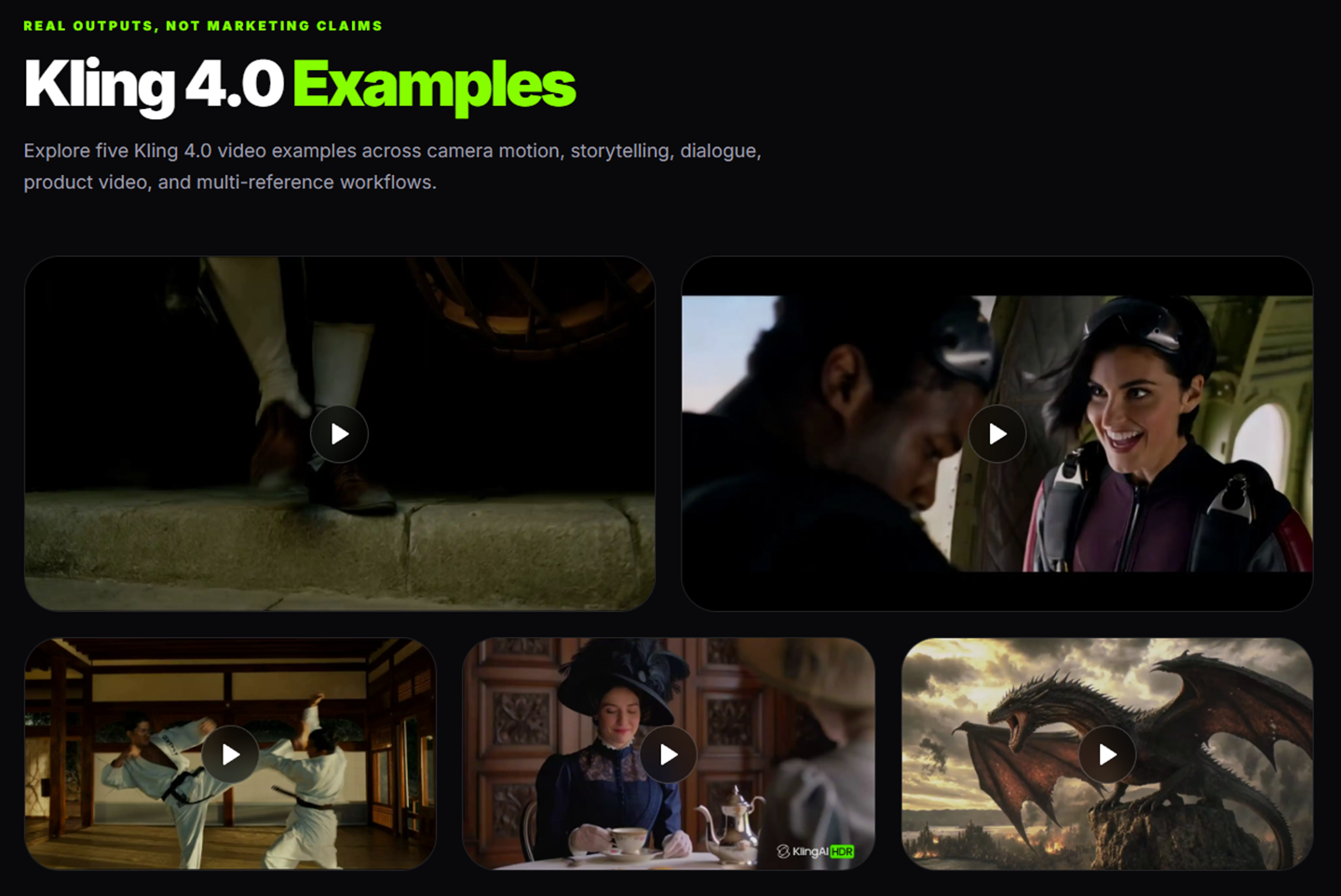
Tools such as Kling 4.0 are relevant to AI-assisted video production, but the validation process described here does not depend on a specific provider or require access to its API.
A practical workflow is:
- Generate or export the video.
- Download it to the project's controlled workspace.
- Select the appropriate validation profile.
- Run the technical checks.
- Send passing files for visual review.
- Record approval or rejection.
Keeping validation independent from generation makes the workflow easier to maintain when teams change tools.
7. Understand What the Validator Cannot Check
A passing technical check does not mean a video is ready to publish.
The script cannot determine whether a character changes appearance, a product is inaccurately represented, or generated text contains mistakes.
It also does not verify that sound is audible or synchronized correctly. An audio stream can exist even when the track contains silence.
There are further limitations worth documenting:
- Resolution checks use stored stream dimensions and do not interpret rotation metadata.
- The example does not enforce exact aspect ratios or specific video codecs.
- The MP4 container check is preliminary, not a strict container validation.
- The script does not decode every frame to detect playback corruption.
- It does not check licensing, privacy, or permission requirements.
For files from untrusted sources, teams should run maintained FFmpeg tools in an isolated environment with suitable resource limits.
Technical automation should catch predictable delivery errors. Creative and factual approval should remain separate.
Conclusion
A video export that fails a basic technical requirement should be caught before an editor or client opens the file.
If a clip is three seconds too short, uses the wrong orientation, or lacks its required audio stream, the pipeline should report that immediately.
That leaves human reviewers free to concentrate on problems a script cannot judge: visual continuity, factual accuracy, and whether the video communicates its intended message.
It's a small automation, but one that can eliminate a repetitive part of the production process.



Top comments (0)