
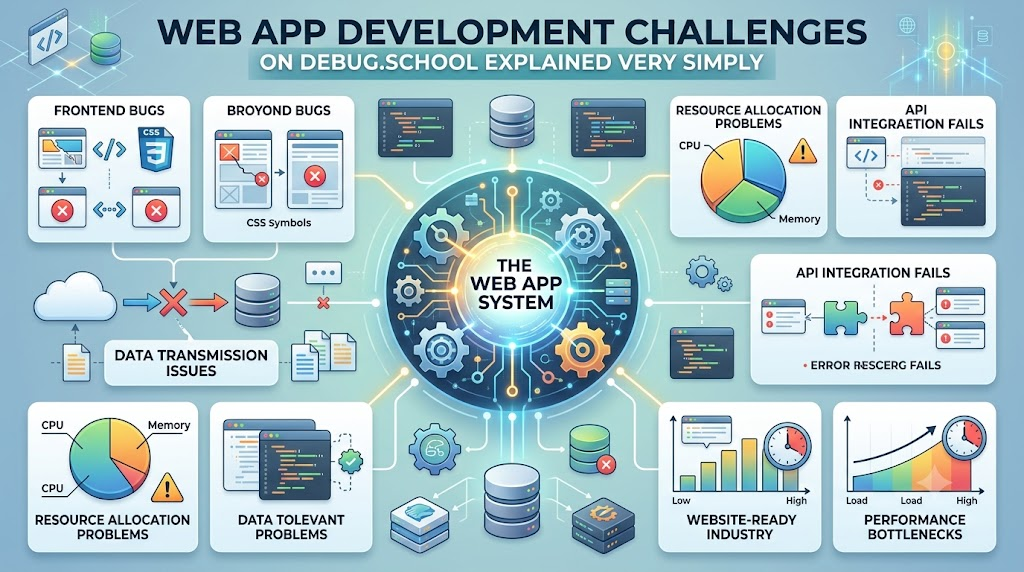
Building a web app is like building a house with digital blocks. Sometimes the roof leaks or a door gets stuck. When you make a web app, errors and broken code pop up often. You can find and fix these issues fast with help from debug.school. This learning place shows you how to solve messy coding problems with easy steps.
You do not need to feel stuck when an app breaks. Many people face the same common roadblocks while learning. Next, we will explore the main challenges and how to fix them easily.
What is a Web App?
A web app is an online program that runs inside your browser. It lets you play games, chat with friends, or buy toys. A website only lets you read text or view pictures. But a web app lets you click buttons, save tasks, and do fun activities.
To build these apps, you need front-end code and back-end code. The front end is what your eyes see on the screen. The back end is the hidden engine that stores your points and passwords. When both parts talk to each other cleanly, the app works well.
Why Do Bugs Happen?
Bugs are mistakes in the code that cause the app to crash. Even expert coders make mistakes every single day. A missing comma or an incorrect word can break an entire screen.
Also, web apps must run on many different screens. Your app might look great on a big computer monitor. But it might look broken on a small mobile phone. Fixing these errors is called debugging, and anyone can learn it.
Key Operational Concepts You Must Know
Understanding Web Traffic Flow
Web traffic is like cars moving along a busy street. When you click a button, your browser sends a fast message to a server. The server reads the message and sends back the right picture or data.
Because many people visit at once, the roads get crowded. If too many users arrive together, the server slows down. Good apps use traffic directors to send visitors down empty lanes. This keeps the app fast and stops crashes before they start.
Keeping User Data Safe
Safety is a huge part of running any web app. You must protect passwords and secret details from bad actors. Hackers love to look for open digital doors in weak apps.
So, you must lock up your data with special digital codes. This safety step is called encryption, which scrambles your words into secret puzzles. Only the right computer holds the key to unlock and read them.
Watching Over App Health
You must always keep an eye on how your app feels. Engineers use monitoring tools to check if the app runs fast or slow. These tools act like a doctor checking an app's heartbeat.
If an error appears, the tool sends a fast alert to the team. Then, the team can repair the broken part before users even notice. Watching your app daily stops tiny bugs from turning into giant disasters.
Saving Data in Clean Bins
Every app needs a solid place to store facts and numbers. This storage place is called a database. You can think of it like a giant digital filing cabinet.
If you toss papers into a messy pile, you cannot find them later. But if you sort files into neat labeled bins, searching takes one second. Good developers organize their data neatly so the app runs smoothly.
Platform Implementation vs. Culture — What's the Real Difference?
Tools Are Only Half the Battle
Many teams believe that buying expensive tools fixes every problem. They download fancy software and expect their apps to run perfectly. But tools cannot write good plans or fix bad communication.
A fancy hammer does not build a sturdy doghouse by itself. You still need to know where to place each nail. When you only focus on tools, you easily forget basic problem-solving skills.
Building Good Team Habits
A great team needs good habits just as much as good tools. Culture means how people talk, share ideas, and fix mistakes together. In a healthy team, coders do not hide their errors out of fear.
Instead, they show the broken code to their teammates for help. Everyone works together to make the app better every day. Learning from your mistakes makes the whole team stronger over time.
| Work Part | Platform Setup | Team Culture |
|---|---|---|
| Main Goal | Installing tools and buying cloud servers. | Building trust and learning from code mistakes. |
| Big Benefit | Gives the team computers to build things. | Helps people work together without stress. |
| How Long It Lasts | Changes fast when new tech comes out. | Stays strong for many years across all projects. |
| Everyday Action | Writing setup scripts and checking servers. | Talking openly and helping teammates fix bugs. |
Real-World Use Cases of Modern Operations
Online Shopping Checkouts
Imagine you want to buy a cool toy from an online shop. Millions of other people want to buy toys at the exact same minute. The store must count inventory, check credit cards, and send receipts instantly.
- Big Traffic Jumps: The site must handle thousands of clicks during holiday sales.
- Zero Lost Orders: The database must never lose track of a paid package.
- Fast Load Times: Shoppers leave the site if a checkout page takes too long.
Streaming Your Favorite Cartoons
Video apps stream huge cartoon episodes directly to your tablet screen. The video cannot pause or buffer while you watch an exciting scene. Modern systems break big video files into tiny packets that fly across the internet.
- Smooth Playback: The app adjusts video quality so the show never stops.
- Multi-Device Support: The video plays cleanly on phones, tablets, and smart TVs.
- Instant Start: Servers store popular shows close to your town for quick starts.
Live Chat in Video Games
Multiplayer video games let you talk to friends while you play. Your messages must travel to other players in less than a second. If the chat lags behind, you cannot plan your game moves together.
- Super Fast Speed: The system sends words instantly across the globe.
- High Availability: The chat stays online even when millions play at once.
- Clean Filters: Bad words get blocked automatically to keep players safe.
Common Mistakes in Operations Engineering
Making Things Way Too Complicated
New developers often build giant systems for tiny little projects. You do not need twenty servers to run a simple five-page blog. Using too many tools makes your project hard to manage and understand.
Also, complex setups cost a lot of extra money each month. When something breaks, finding the bad wire takes hours of painful searching. Start with simple designs, and only add new parts when you truly need them.
Forgetting to Test on Phones
Many people only test their web apps on their own laptop screens. But more than half of all web visitors use small mobile phones. A button that works with a mouse click might fail on a touchscreen.
Next, text might look way too small to read on a mobile screen. Always resize your browser window to see how your app looks on small devices. Testing early saves you from angry emails from mobile users later.
Ignoring Error Messages
Error messages look scary with their bright red letters and long words. Because of this, beginners often close the error box without reading it. But that red box actually tells you how to fix the issue.
The message names the exact file and line where the mistake lives. Take a deep breath and read the clue slowly. Treat each error message like a detective hint that leads right to the prize.
How to Become an Operations Expert — Career Roadmap
Step 1: Learn the Building Blocks
Start your journey by learning how basic web pages work. Spend time with HTML to build structures and CSS to add pretty colors. Next, learn basic JavaScript to make your buttons do fun actions when clicked.
- Core Focus: Learn HTML, basic CSS styling, and simple JavaScript logic.
- Best Habit: Build one tiny project every week to practice your skills.
- Time Goal: Spend two months getting fully comfortable with these three basic tools.
Step 2: Practice Finding Bugs
Once you can build simple pages, learn how to fix them when they break. Open the developer tools built inside your web browser. Learn how to pause your code and inspect variables as they change.
- Core Focus: Read error warnings, use print statements, and step through code.
- Fun Project: Break your own project on purpose and practice fixing it again.
- Key Mindset: Stay calm when things break, because errors are just puzzles to solve.
Step 3: Connect to Databases and Servers
Now it is time to connect your pages to a back-end server. Learn how to store words and numbers inside a simple database. This step lets your users create real accounts, save high scores, and share posts.
- Core Focus: Learn basic server rules, simple databases, and data routes.
- Main Project: Build a working to-do list app that saves tasks permanently.
- Big Milestone: Deploy your web app to the internet so your friends can try it.
Step 4: Automate and Scale Up
The final step is learning how to manage large systems automatically. Write simple scripts that test your code every time you make a change. Then, use cloud computers to host your apps safely for thousands of happy visitors.
- Core Focus: Learn automated testing, basic cloud hosting, and server health checks.
- Career Jump: Move from a junior coder to a confident web operations specialist.
- End Goal: Run dependable web applications that never crash or lose user data.
FAQ Section
- What is the fastest way to fix a broken web app? First, read the red error message inside your browser console window. It will point you directly to the bad line of code so you can fix it fast.
- Do I need to be a math genius to build web apps? No, you do not need advanced math to make great web applications. You only need clear logic, patience, and the ability to follow simple problem-solving steps.
- Why does my app look weird on my friend's phone? Your app looks weird because different phones have different screen sizes. You must use responsive design rules to make your pictures and boxes fit any screen.
- Can I learn how to debug without paying for expensive tools? Yes, modern web browsers come with great debugging tools built right inside for free. You can open these tools on any computer by pressing one key.
- What should I do when I get totally stuck on an error? Take a short break to rest your eyes and clear your busy mind. If you still cannot fix it, show your code to a friend or search the community.
Final Summary
Building web apps is a super fun and creative skill once you know the basics. Even though bugs and errors will pop up often, you can easily fix them with simple steps. Understanding how data moves, keeping your code simple, and testing on mobile phones prevents most major problems.
Always remember to treat red error messages as friendly clues rather than scary road blocks. With steady practice and the right learning habits, anyone can become an amazing web developer. Keep building cool things, stay curious, and enjoy the adventure of solving digital puzzles every day!



Top comments (0)