
Problem
shows the normal HolidayLandmark homepage. Earlier, requests to / returned the CERUTU4D gambling page, and a server search found cerutu4d inside
Apache’s HolidayLandmark configuration points to hl-home. That explains why changing a file in this folder could change what visitors saw. The Git copy of index.php was reportedly clean, so the evidence points to a change in the deployed copy. It does not yet establish who made the change or how they gained write access.
There is a second, urgent issue: the investigation reported that visitors could download /.env. The restored homepage does not prove that this exposure is fixed. Laravel warns that serving the project root can expose sensitive configuration files; its intended web entry point is public/index.php
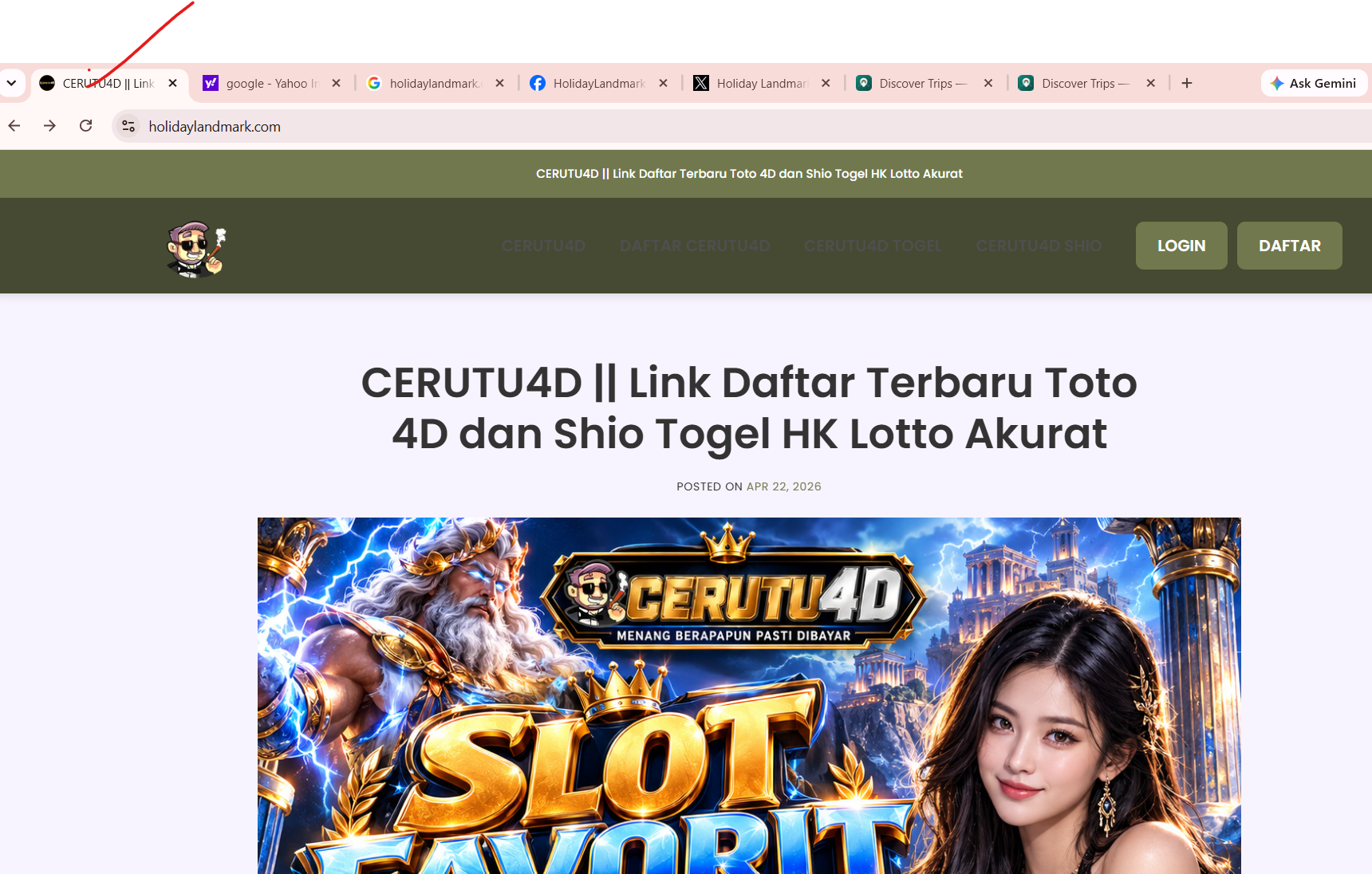
Investigation
sudo grep -RIlFi --binary-files=without-match 'cerutu4d' \
/opt/lampp/htdocs/holiday-new/hl-home/index.php
/opt/lampp/htdocs/holiday-new/hl-home/blog/index.html
Solution
git checkout -- index.php .htaccess
mv blog/index.html "$Q/blog-index.html.live"
php artisan optimize:clear
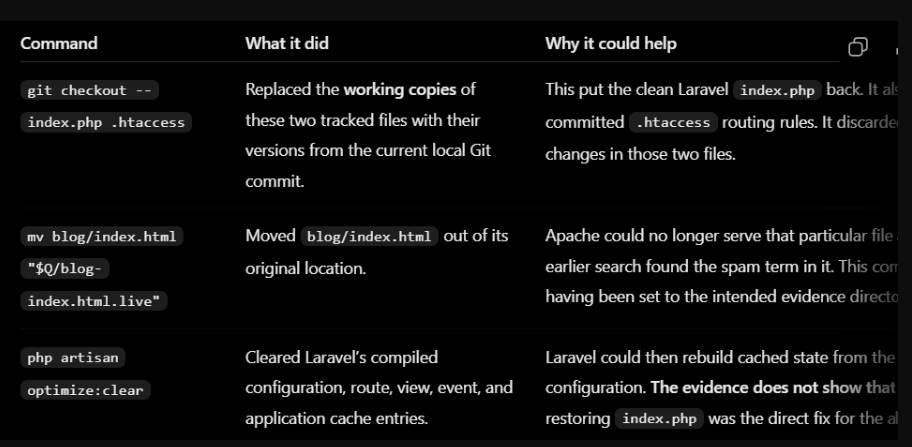
after running gitcheckout command i get

This replaces the current index.php and .htaccess with the versions in your current Git commit. That is why it could restore the homepage after those files were changed. It overwrites unsaved changes in those files, so check them first with git diff



Top comments (0)