
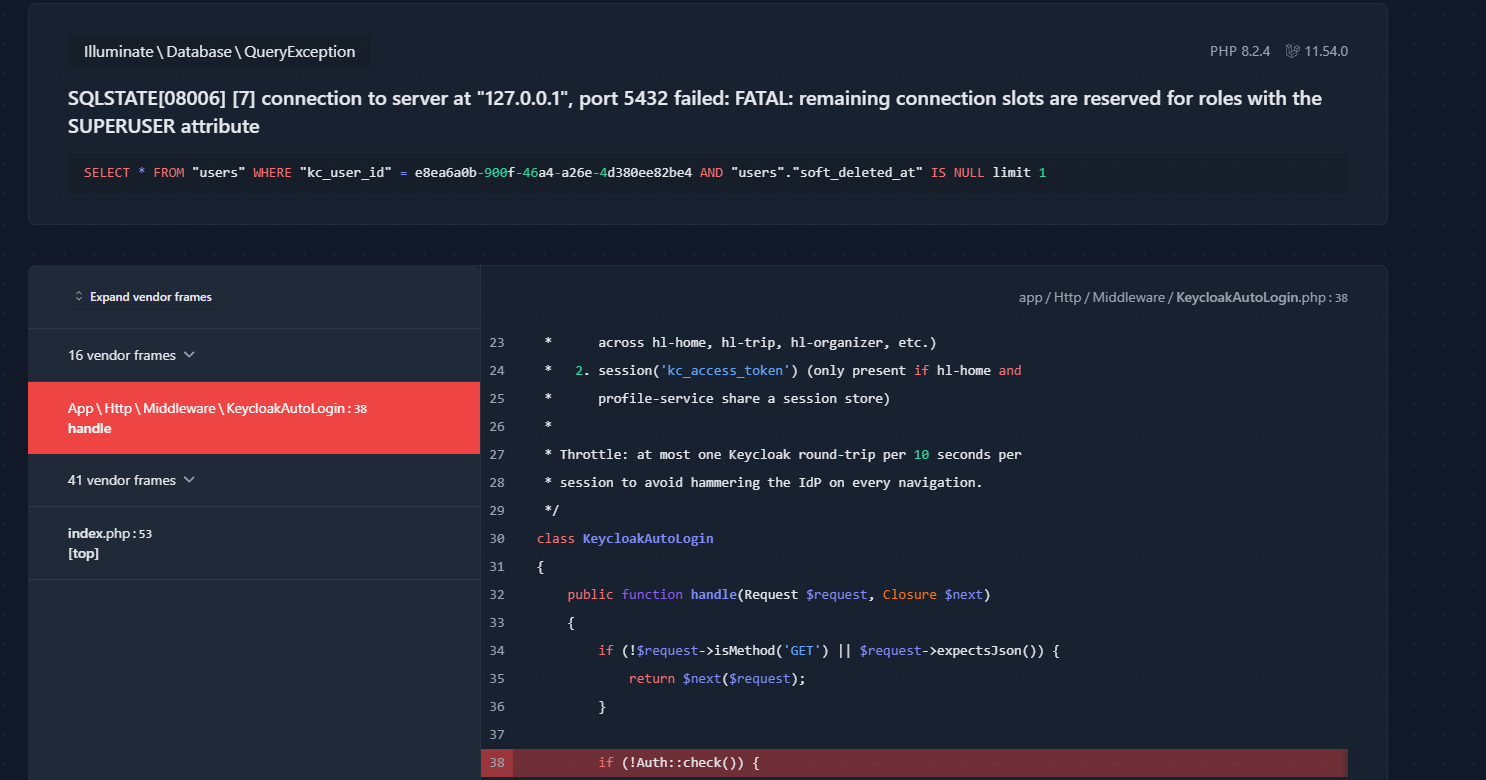
Error
check the current value
sudo vi /etc/postgresql/16/main/postgresql.conf
Increase it (pick ONE method)
Find the line:
max_connections = 100           # (change requires restart)
change to:

max_connections = 300
Step 4 — restart PostgreSQL (required)
max_connections is a static parameter — a reload is NOT enough, you must restart:
sudo systemctl restart postgresql
(Confirm it came back up:)
==============or==============================
systemctl restart apache2
systemctl status apache2 --no-pager -l
sudo systemctl status postgresql
Step 5 — verify
sudo -u postgres psql -c "SHOW max_connections;" # → 300



Top comments (0)